Stress analysis of a bracket — right in the browser
We imported a STEP model of a reference mechanical bracket, meshed it, applied a load, and got a full stress and displacement field — no install, entirely in the browser.
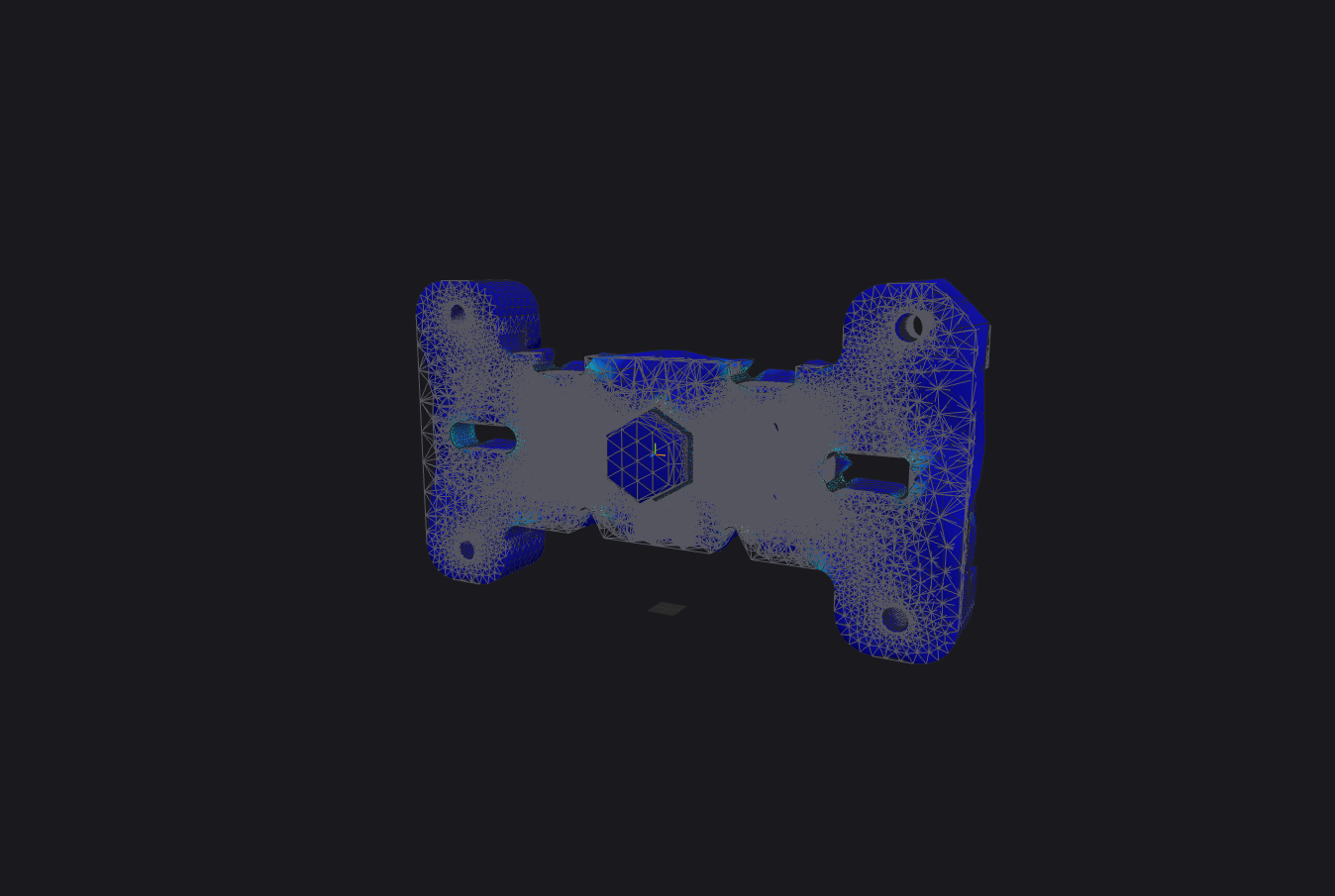
We imported a STEP model of a reference mechanical bracket (NIST CTC-01), meshed it, applied a load, and got a full field of stresses and displacements — entirely in the browser, no install. The whole finite-element engine runs on WebAssembly.
The task
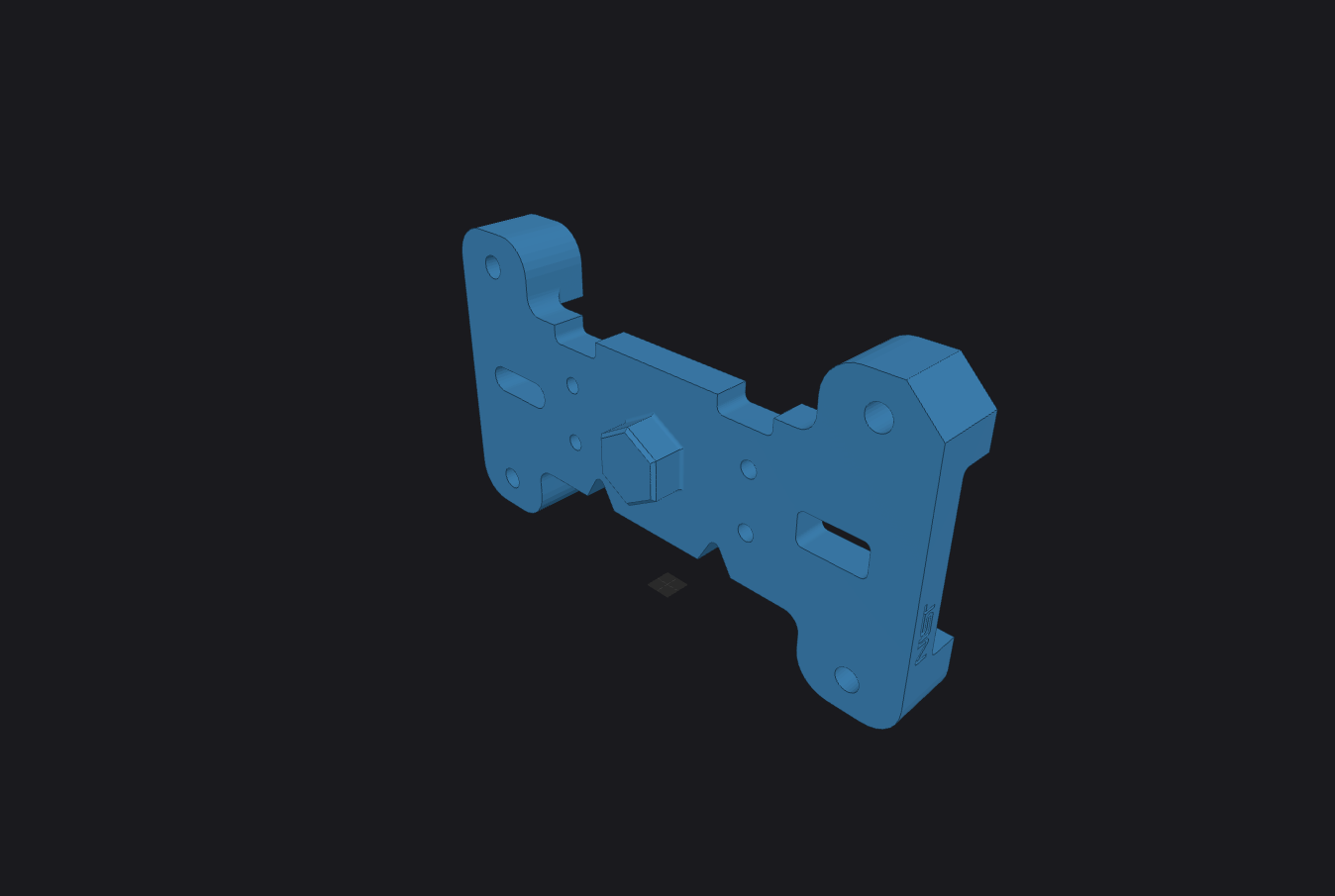
A single solid body, imported from STEP. Material — steel (E = 200 GPa, ν = 0.3). The bracket is fixed at its mounting holes, with a uniform pressure applied across the front face. Linear statics.
The mesh
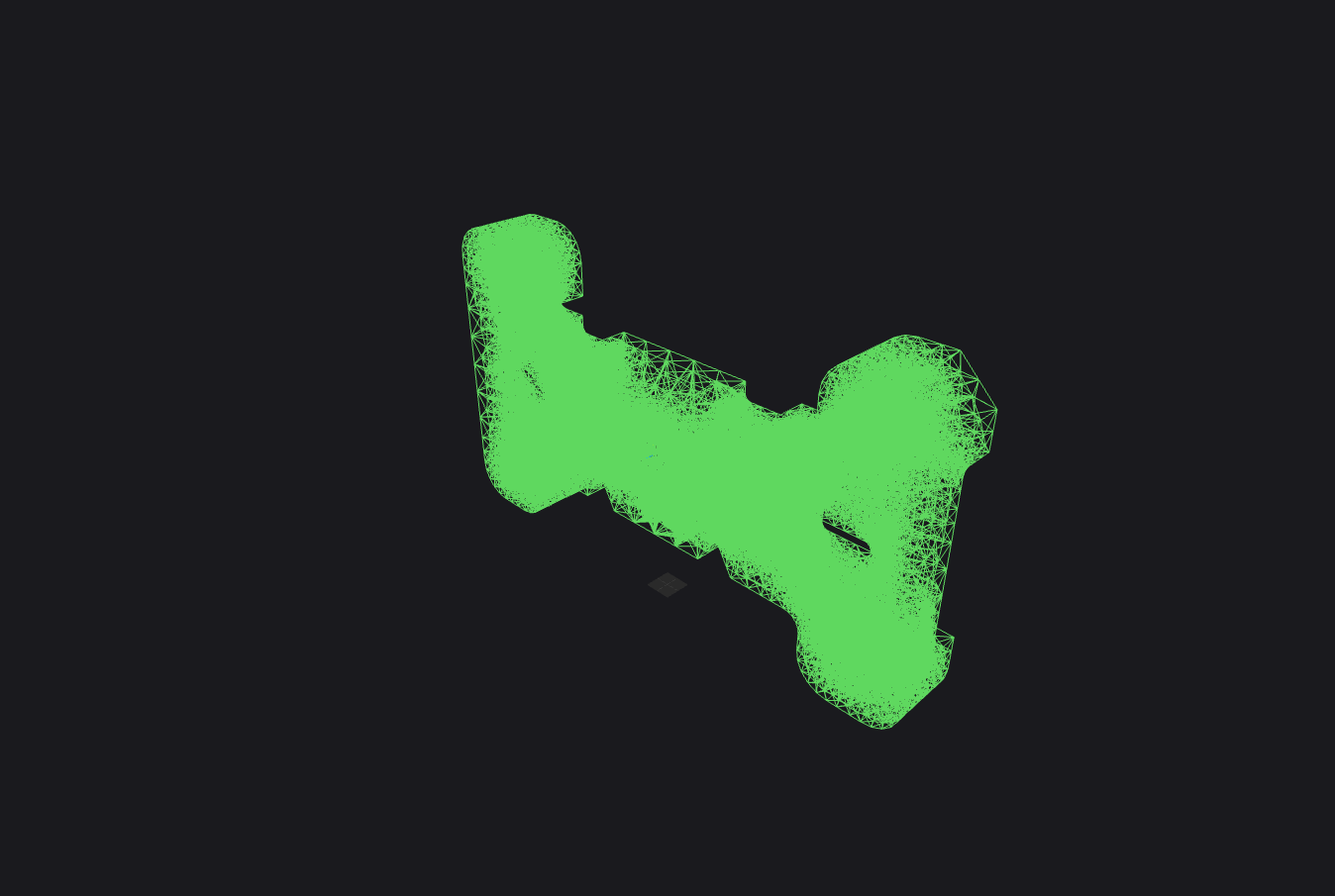
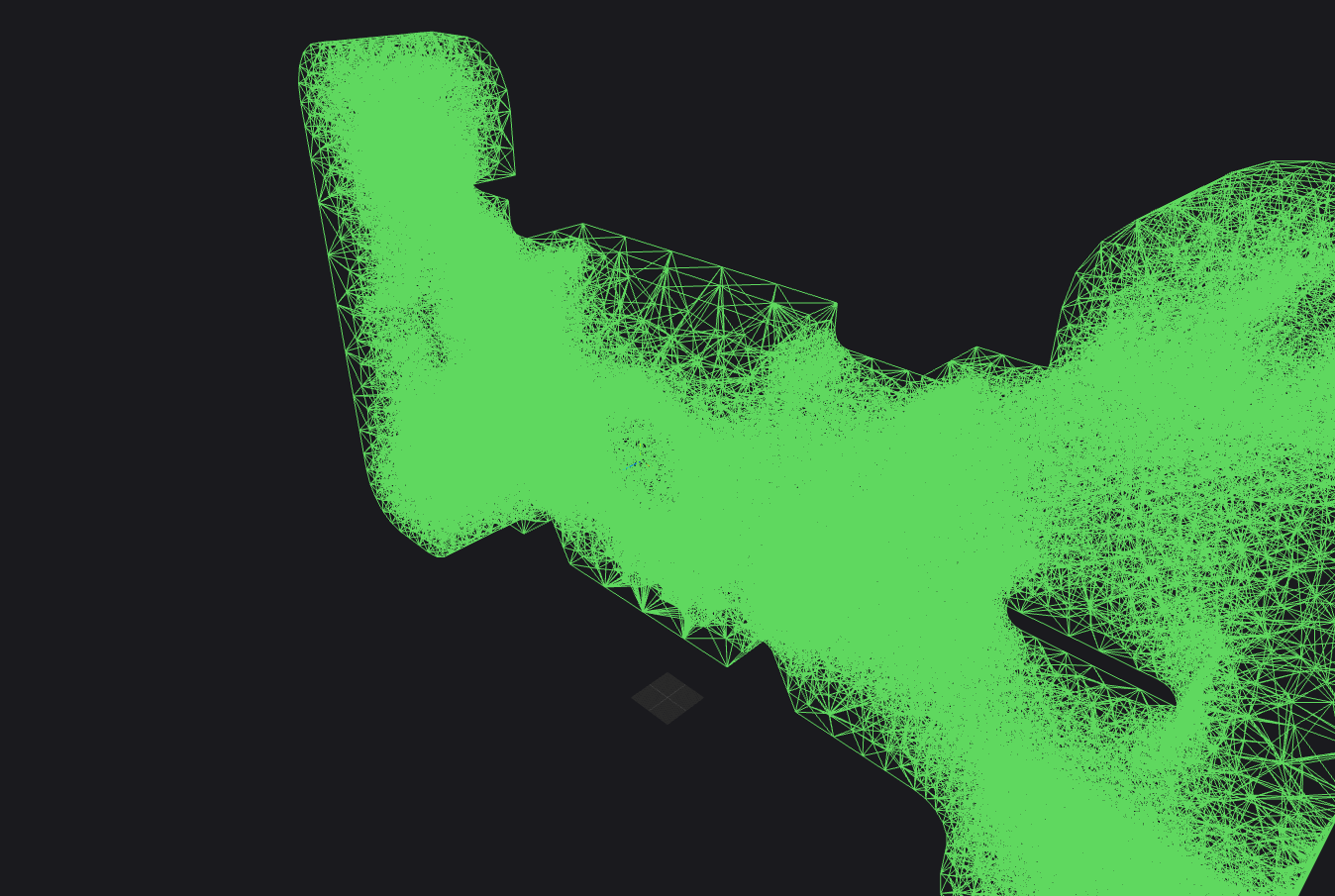
Tetrahedral, built automatically from the model's faces: 47,326 nodes, 220,313 elements.
The results
The solution converged in the browser in ~15 s (iterative solver, sparse matrices). The plate deflects between the bolted spans, with stress concentrating around the fasteners and holes: max. displacement ≈ 0.26 µm, von Mises stress up to ≈ 2.5 MPa. Results are visualized right in the viewport — stress contours, displacement, and the deformed shape.
- Nodes
- 47,326
- Elements
- 220,313
- Solve time
- ~15 s
- Max displacement
- ≈ 0.26 µm
- Max von Mises stress
- ≈ 2.5 MPa
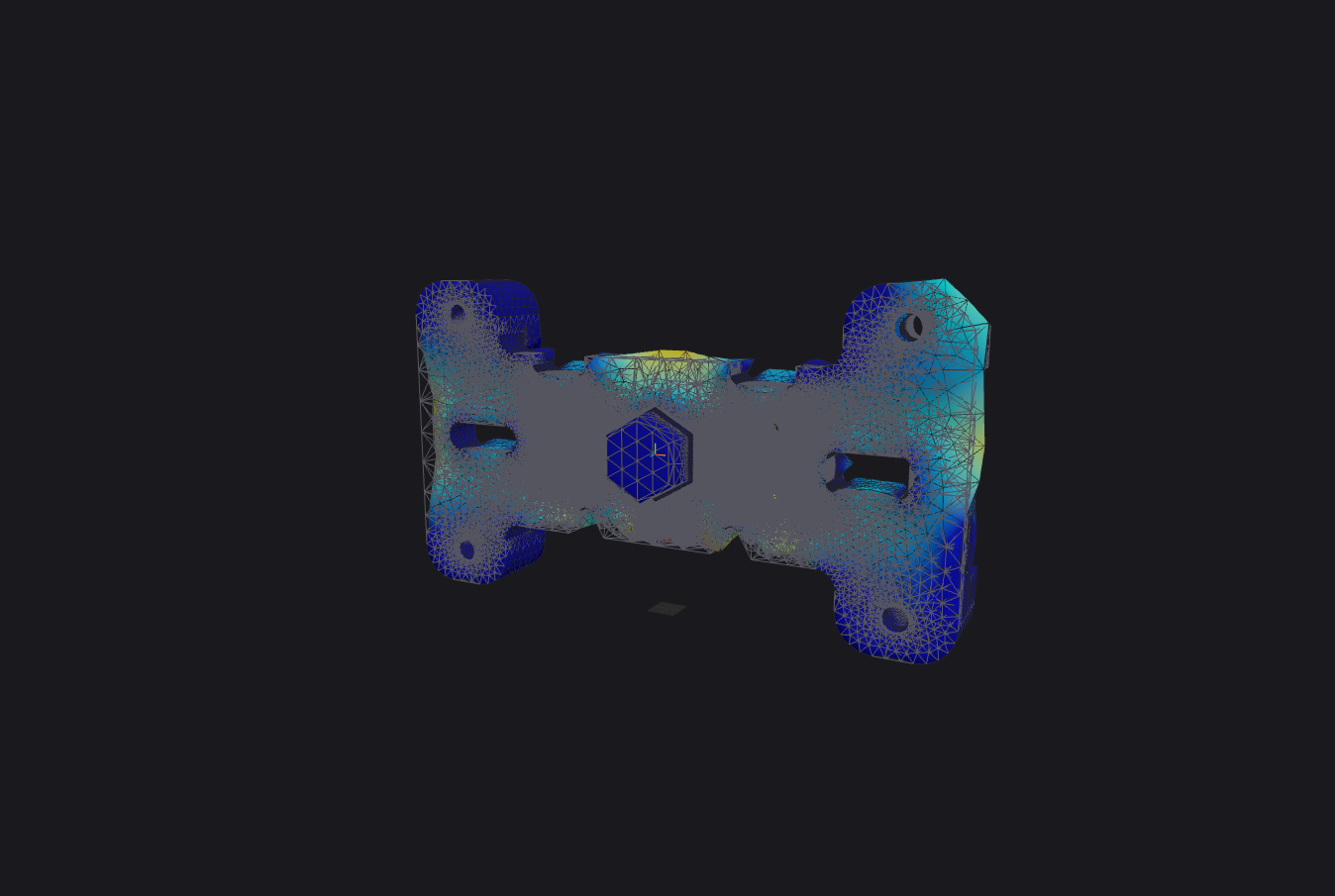
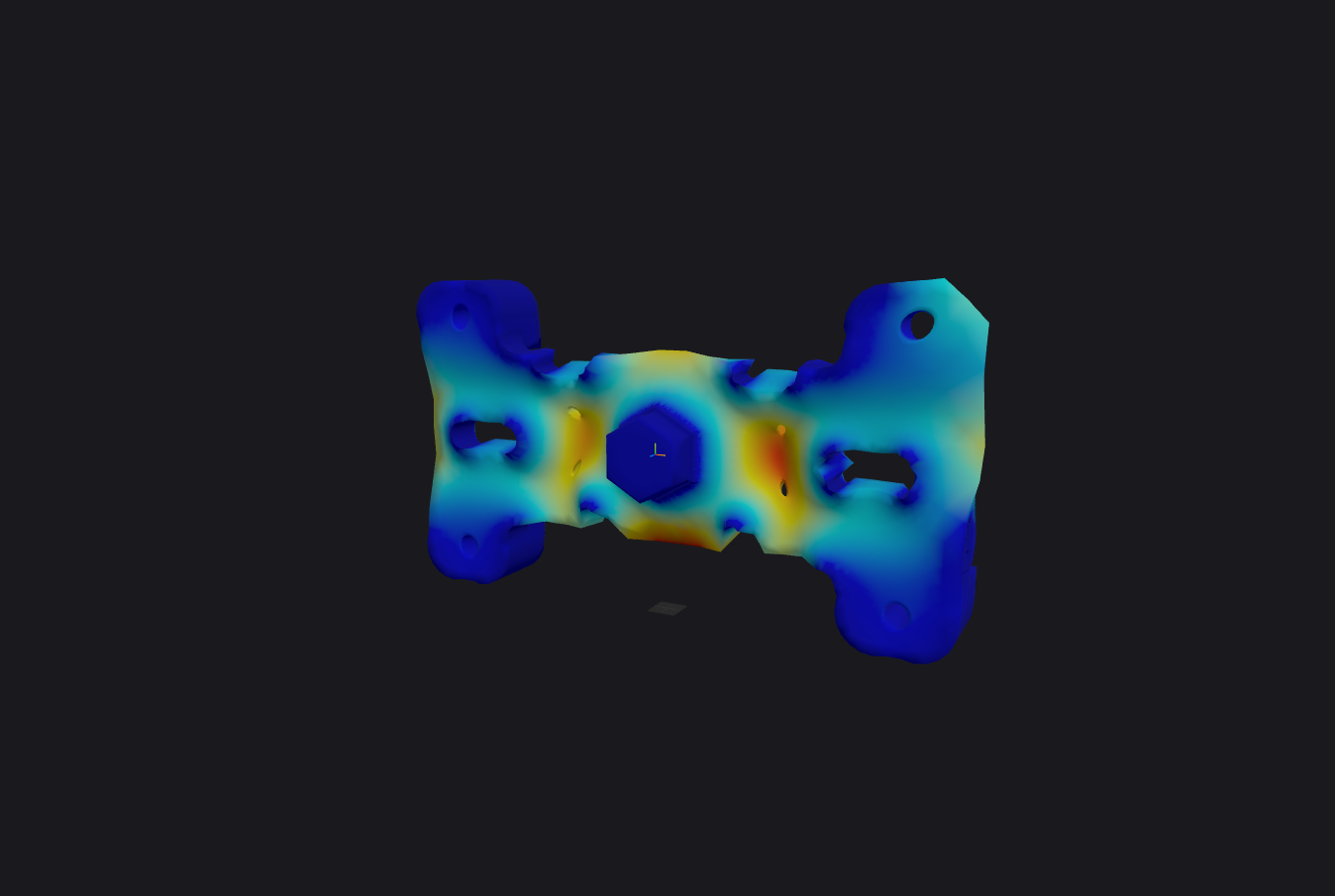
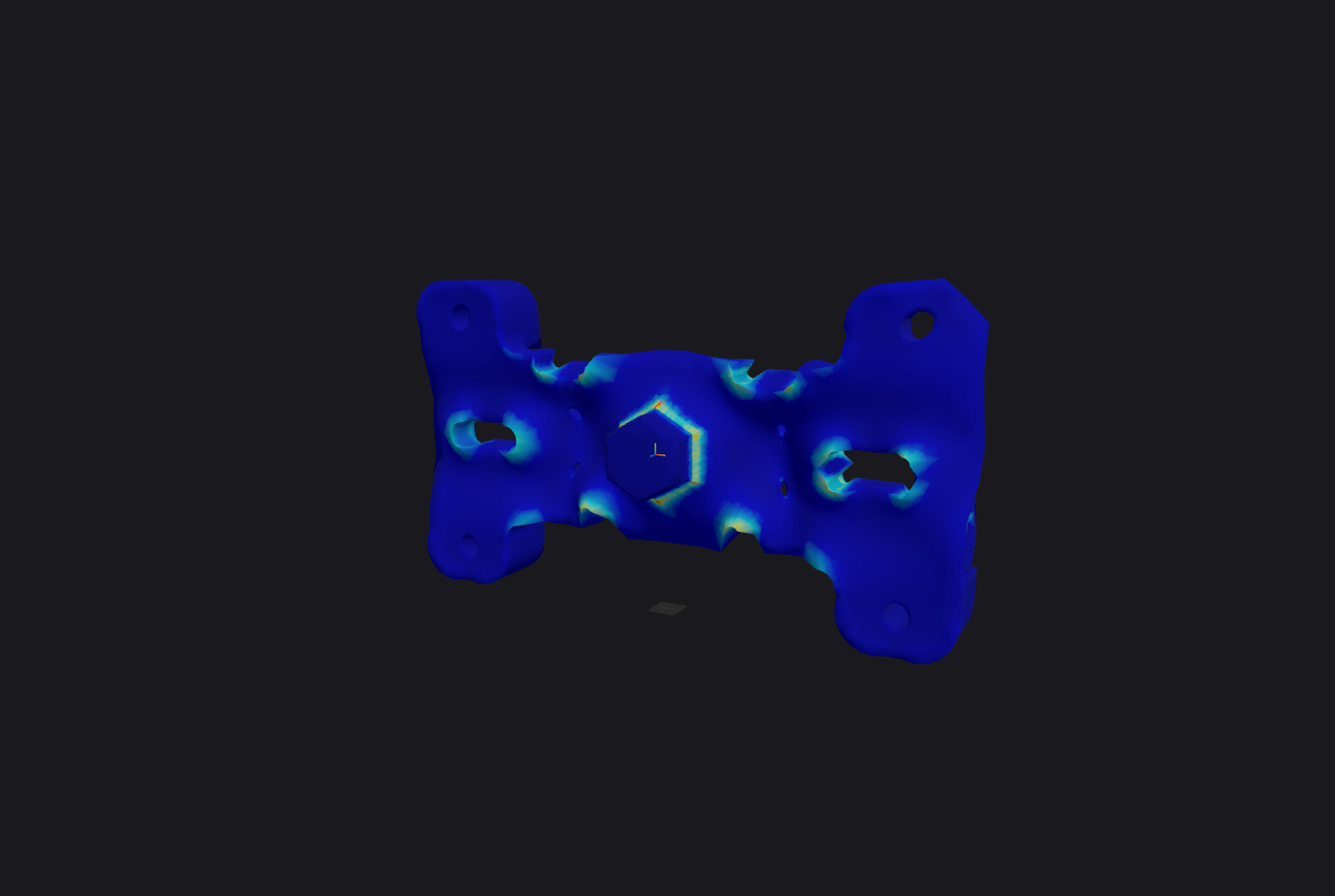
Geometry → mesh → loads → result — four steps, one browser session.