Frictionless contact: surfaces that open, close and report their status
Contact pairs are rebuilt on the deformed shape at every load step, the results are kept step by step, and the viewport shows what each zone is doing — open, active or stuck — along with the contact pressure on it.
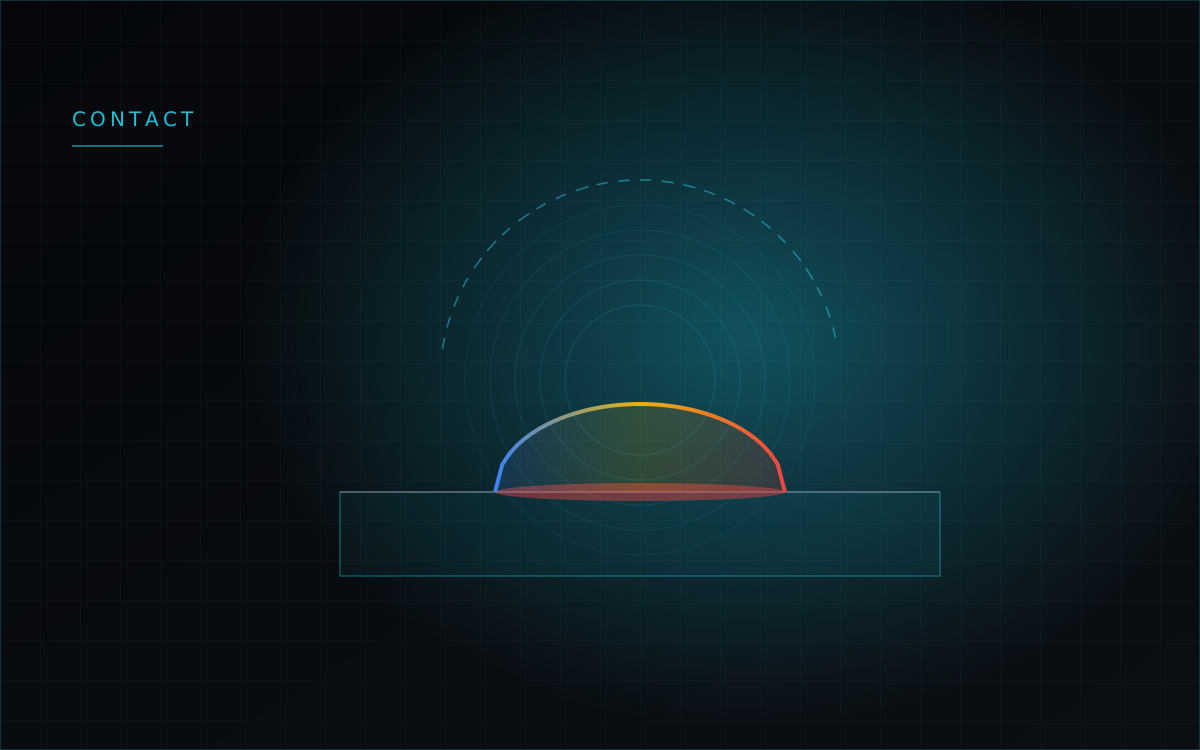
Until this month, two touching bodies in WebCAE were glued together. Tied constraints and a compliant bond both hold a joint closed — right for a welded seam or a press fit, wrong for anything that can lift off. A bolted flange under a moment, a bracket pulling away from its mount, a pin sitting loose in its hole: all of them need an interface that can separate.
The desktop build now has one. Frictionless contact is a one-sided interface: it carries compression and no tension at all, and the region actually in contact grows and shrinks as the load is applied.
How the interface is coupled
The two sides are coupled through an integral over the overlapping area of their faces rather than node by node. That distinction matters in practice. Tying each node of one surface to the triangle it lands on over-constrains the joint — there are more nodes on one side than the other side has freedom to satisfy — and the result is a pressure field that comes out in spikes with the contact set flickering between iterations. Coupling by area keeps the pressure smooth and lets a uniform pressure pass through the joint unchanged.
You set it up in the Connections panel: choose the frictionless type for the pair and set the penalty stiffness. The number of load steps is on the Solve tab, and the default is twenty.
The contact set is rebuilt at every step
The load is applied in increments, and after each converged increment the contact pairs are rebuilt on the deformed geometry. Zones genuinely close and open as the load rises instead of the solver working forever with the pairing computed on the undeformed model — which is what lets the contact region find its own size, and what makes large relative sliding along the interface behave sensibly.
The step size adapts: it grows when convergence comes easily and is halved when a step fails to converge.
Results are kept step by step
Every converged step saves a snapshot — displacements, contact status, nodal contact forces and pressure. On the Results tab that becomes a load-step window: a slider, first/previous/next/last buttons, play and pause, looping, and playback at 1, 2, 4 or 8 frames per second.
Switching between steps recomputes the displacements and the stress state together, so the field on screen really changes as you scrub — the legend at step 5 and at step 20 are not the same picture with a different caption. The active step is saved with the project.
Status and pressure
Contact status is reported on a 0–3 scale: open, active, sliding, stuck. It is a colour map like any other field, so you can see which part of a joint is carrying load at a given step and which part has lifted away. This was wrong until recently — on a separating joint the whole lower body reported "stuck", because a penalty bond was compiled as a tied one. Now an open pair reports open, and only genuinely active pairs are marked.
Contact pressure comes from the nodal contact forces divided by the tributary area of each node, and it is drawn per face rather than smeared onto the neighbours — a corner node no longer bleeds pressure onto the perpendicular side faces. Both fields, like everything else, are available at every saved step, so you can watch the pressure distribution develop rather than only see where it ended up.
Checks we ran
On a case where the two formulations must agree — two blocks pressed together with no possibility of separation — the frictionless result differs from the tied reference by 0.031%. On the same geometry meshed with hexahedra instead of tetrahedra, the two element families agree to 1.07%.
Separation was checked directly: load a joint, unload it, then pull. The displacement traces 0 → −1.06 µm → 0 → +1.06 µm → 0 — unloading returns exactly to zero and the tension phase does not drag the parts back. With the bodies started 10 mm apart, a small load moves the upper body less than the gap and nothing happens, while a large one closes the gap and the contact engages.
The limits, stated plainly
This runs in the desktop application only — the browser build cannot solve frictionless contact yet. Friction is not implemented, and a pair set to Coulomb friction is refused with a clear message rather than quietly solved as frictionless. The convergence verdict is based on the residual penetration rather than a fully converged equilibrium residual, because the contact set still flickers at the edge of the patch. Interference fits, non-conforming meshes across a joint and self-contact within one body are all still ahead of us.
All of the numbers above were measured on the native build. That is deliberate: it is the path our users actually run, and web and native can genuinely disagree on the same model.